
BETA · The AI workspace for coding
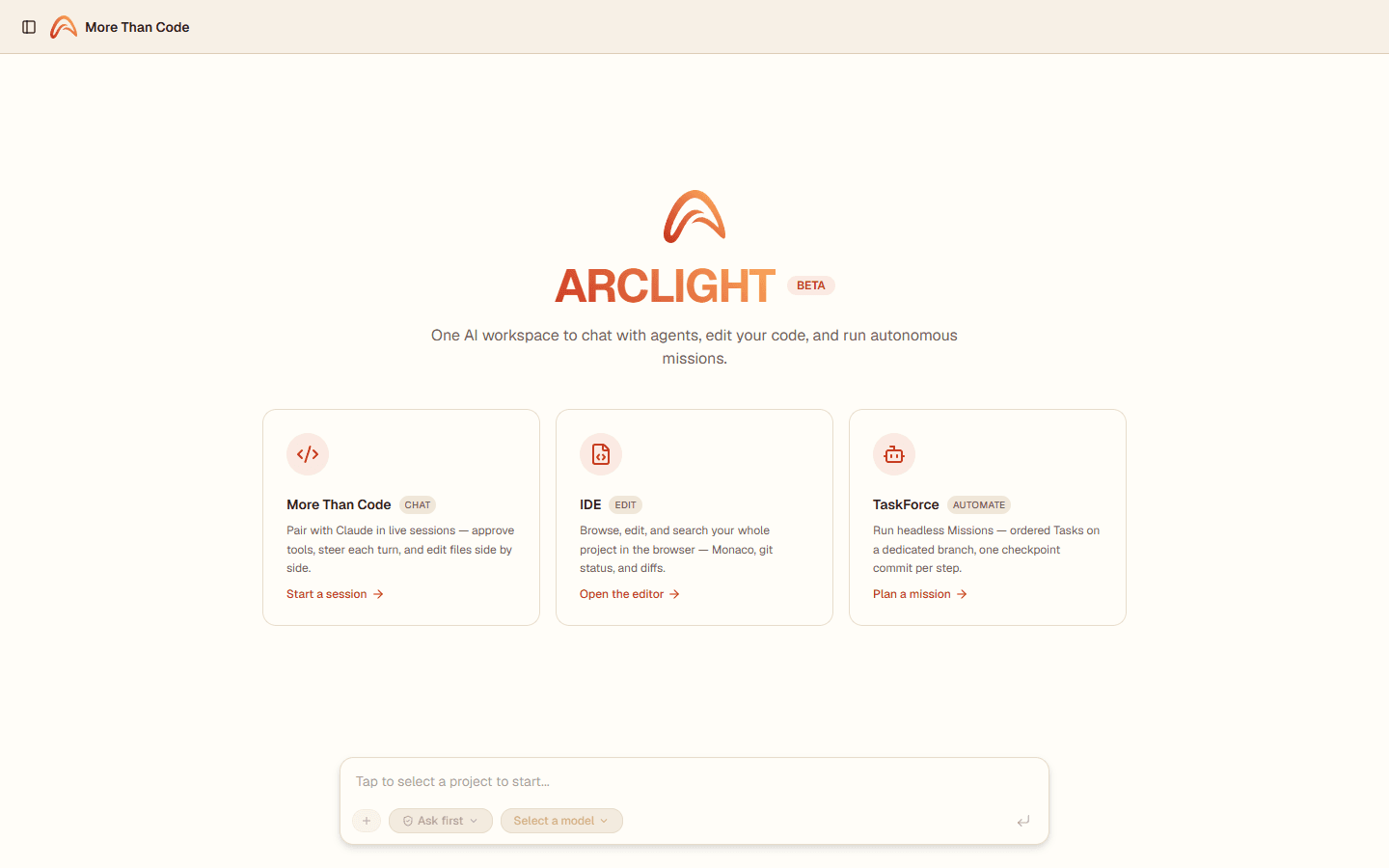
Chat with agents, edit code, and run autonomous missions in one place.
The power of the Claude Code CLI (Skills, MCP, tool use, file-based work) running continuously server-side and opening in any browser, phone included. Message the agent, step away, come back to everything still running. No SSH, no tmux.
Live session
Watch More Than Code work
You steer every turn: the agent proposes, you approve or reject each tool — and each choice leads somewhere different. This is a mock-up of the real UI; try the buttons.

Extract email validation helper
Jul 20, 11:11
Thought
isValidEmail into lib/validation.ts and reuse it — avoid duplicating the regex in contact.ts.I’ll read waitlist.ts, add the helper, then update both call sites. Reading the file first:
{
  "file_path": "src/routes/waitlist.ts"
}Create src/lib/validation.ts Edit src/routes/waitlist.ts (import helper)
Approved. Writing the helper and updating both call sites.
Artifacts
2 files changed+14-6
Done. The helper lives in lib/validation.ts; both waitlist.ts and contact.ts use it. Commit from the Git panel whenever.
Understood — I won’t touch waitlist.ts. A couple of options: (1) just add the helper in lib/validation.ts and leave the call sites for you, or (2) leave everything as is. Which way do you want to go?
Ask anything…
- Built on the Claude Agent SDK
- Self-hostable
- Multi-user
- SSO
- PostgreSQL
From scattered CLIs to one place.
Three ways to work. One platform.
MTC Chat
Pair with an agent, you stay in control.
Every session runs server-side and streams to your browser in real time. Approve each tool before it runs, answer the agent's questions, rewind or edit any turn.
- Tool approvals: ask / safe / bypass modes.
- Rewind & edit the conversation, review transcript versions.
- Subagents shown first-class inside the transcript.
- Git, Todo, Workflow, and Context panels on the right.
IDE
Edit your code right in the browser.
A Monaco editor, project-wide ripgrep search, diffs, git actions, and a real bash terminal, all without leaving the tab. The Chat tab embeds the same agent from MTC Chat.
- Monaco: save, stale-file detection, Markdown/HTML/SVG/image preview.
- Project-wide ripgrep search (Ctrl+Shift+F).
- Diff viewer, git panel: stage/commit/push/pull, switch branch.
- A real bash terminal over WebSocket.
TaskForce
Hand off the work, the agent runs it.
A Mission is an ordered chain of Tasks that runs headless on its own git branch. Each file-changing Task creates a checkpoint commit to track and roll back step by step. Transient errors retry automatically; on finish it can auto-merge and let AI resolve conflicts.
- Fresh context per Task; a DAG runs independent Missions in parallel.
- Checkpoint commit per step; retries reset to the last checkpoint.
- Structured JSON-schema output per Task.
- Auto-merge with AI conflict resolution; alerts via Microsoft Teams / Web Push.
Dogfooding
More Than Code is built with More Than Code.
Every feature above is what our own team uses daily to build this very product: chatting with an agent to fix bugs, reviewing diffs and committing right inside the browser IDE, handing repetitive work to autonomous missions. Nothing ships here until we trust it ourselves.
Get going in three steps.
- 1
Connect a provider: Anthropic (OAuth) or your own API key + baseUrl.
- 2
Open your workspace: an isolated space per user.
- 3
Chat, edit code, or hand off an autonomous mission.
Your models, your extensions.
Model
Connect Anthropic via OAuth (subscription), or use an API key + custom baseUrl, including compatible proxies.
MCP
Add per-user MCP servers; a built-in git MCP handles fetch/pull/push.
Skills
Upload your Skills (.md/.zip/.skill), isolated per user.
Your data, your control.
- Enterprise SSO (Azure AD, Google, GitHub)
- Invite-based access, domain allow-list
- Isolated workspace per user
FAQ
What is More Than Code?
A browser-based AI workspace built on the Claude Agent SDK, with three products: MTC Chat (chat), IDE (editing), TaskForce (automation).
What does BETA mean?
The product is maturing and access is limited by invite. Talk to us if you want in early and help shape it.
How do the three products differ?
MTC Chat is live chat with the agent; IDE edits/searches code in the browser (embedding that same agent); TaskForce runs work unattended, headless.
Can enterprises self-host?
Yes, More Than Code is self-hostable. Talk to us about deployment.
Get started with More Than Code.
We're in BETA with invite-based access. Talk to us about what you need.